
Have a Question?
Video -> Setting Up Groups and Supervisors
Timesheet Groups
Using the Hour Timesheet group feature is optional. Timesheet Groups are used in Hour Timesheet to structure employees. Employees may be associated to one or many groups. By creating groups and assigning employees to groups, certain features and functions can be viewed by individual group instead of the company as a whole.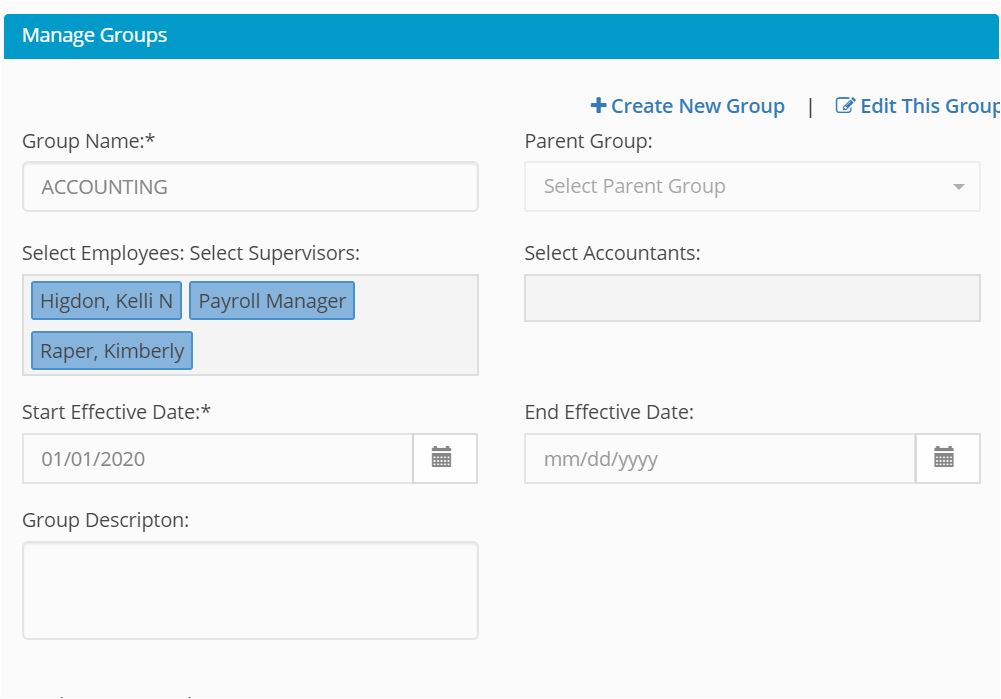
Creating Groups
1. Login to Hour Timesheet as Admin or Accountant
2. Navigate to Group menu 3. Click New Group or Edit Group link- Enter group detail
- Enter group supervisor – see note 1
- Enter group accounting role – see note 2
- Click employee(s) to be associated to group