Have a Question?
Manage Leave Request
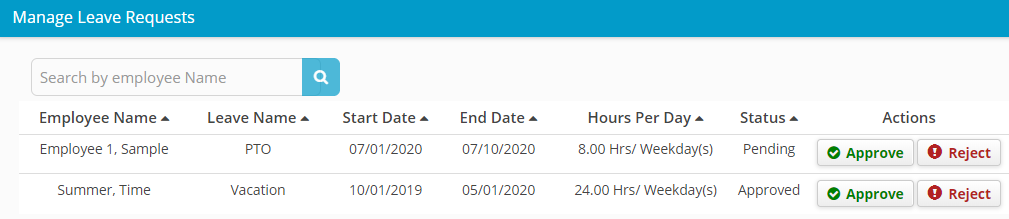
Approve/Reject Employee Leave Request
1. Login to Hour Timesheet
2. Navigate to Accounting/Leave menu3. Click the Leave Request tab
4. Update the Date Selection field to the appropriate dates (can be multiple months, but default is current month)- Click Approve to notify that employee leave request has been “approved”
- Click Reject to notify that employee leave request has been “rejected”