Have a Question?
Answer: To remove a charge code from an employee, follow the steps below:
- Navigate to the Employee Detail page
- Click the name of the employee from the list
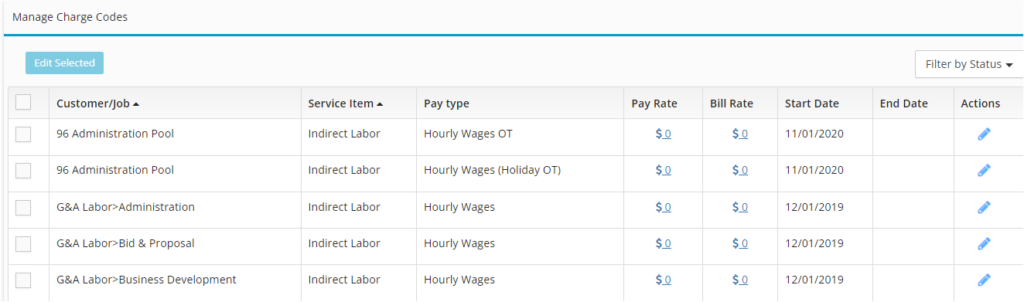
- Click the edit icon next to the charge code that you are wanting to remove
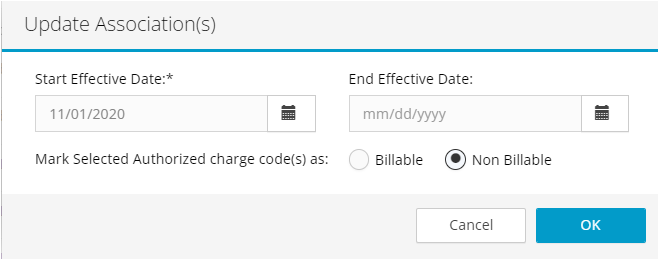
- Update the Start Date and End Date to a prior period’s date
- Click Okay
The inactive code will no longer show on the employee’s timesheet.