
Hour Timesheet Mobile Download Links


iOS Download: https://itunes.apple.com/us/app/hour-timesheet-mobile/id1411849386?mt=8
Android Download: https://play.google.com/store/apps/details?id=com.hts.app.mobile
Supported Devices
-Android Smart Phones
-iOS Phones
-iPad Devices
NOT SUPPORTED: Android Tablets
NOTE: Hour Timesheet Mobile includes employee features/functionality ONLY
Hour Timesheet Mobile Features
Timecard
-Clock In Against a Job Code
-Clock Out
Timesheet
-Track daily hours worked against a job code.
-Submit a completed timesheet (Sign a timesheet)
-Edit previous hours worked.
-Add leave hours (vacation, sick, holiday, etc.)
Leave Request
Submit a Leave Request
Login Credentials
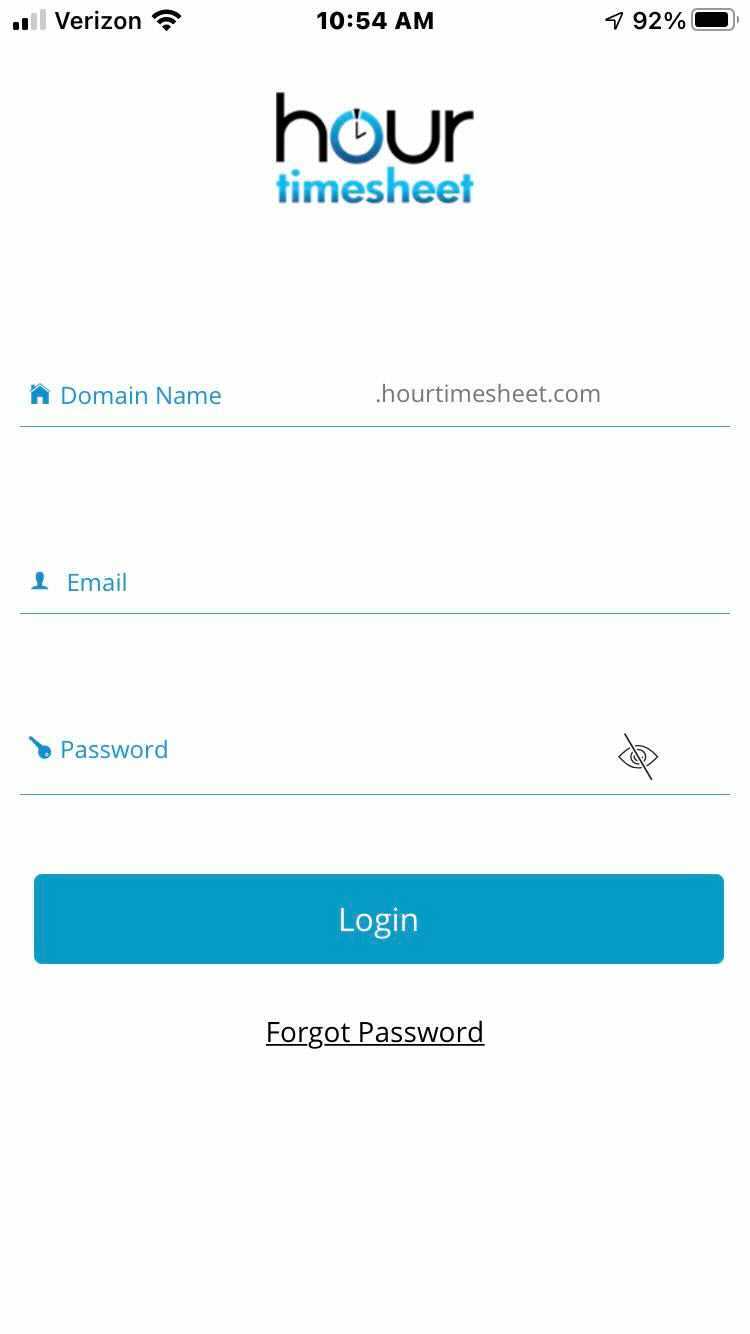
Only users with an existing Hour Timesheet account have access to successfully login to the Hour Timesheet Mobile App. Before logging in, users will have to create a password by clicking the link from the system-generated email invitation (from the account admin). To login to your Hour Timesheet Mobile app you will need the following information:
Domain (DO NOT enter http:// or hourtimesheet.com)
Password
Submit a leave request